Chocolatey is een oplossing voor softwarebeheer voor Windows machines. Chocolatey laat toe om pakketbeheer in te richten om eenvoudig internet gebaseerde software te distribueren via Intune.
Deze oplossing is zeer handig om alle software up to date te houden zonder IT-interactie.
Nadelen zijn er uiteraard ook. Er is geen controle in de gratis versie op distributie, test groepen etc.. Maar daar zijn ook creatieve oplossingen voor.
Belangrijkste voordeel: Software updates want security updates worden amper gedistribueerd na een zero-day exploit.
Requirements voor Cholatey
een Office 365 tenant
Een demo licentie met Intune of Microsoft 365 Business, F1, E3 of E5.
Een volledig gratis demo licentie aanvragen
Een computer met Microsoft Intune geïnstalleerd.
Maak een PowerShell script om Chocolatey in Intune te activeren
kopiër onderstaande code in een NotePad en sla dit op als Chocolatey.ps1
Je kan kiezen welke paketten je wenst te installeren en zelf een samenstelling maken via de website van https://chocolatey.org/
Je softwarepaketten kan je toevoegen of verwijderen aan onderstaande lijnen.
Set-ExecutionPolicy Bypass -Scope Process -Force; iex ((New-Object System.Net.WebClient).
DownloadString('https://chocolatey.org/install.ps1'))
 choco install putty.install -y
 choco install flashplayeractivex -y
 choco install adobereader -y
 choco install firefox -y
 choco install whatsapp -y
 choco install notepadplusplus.install -y
 choco install totalcommander -y
 choco install 7zip -y
 choco install evernote -y
 choco install vlc -y
 choco install putty.install -y
 choco install jre8 -y
 choco install dropbox -y
 choco install brave -y
 choco install eid-belgium-viewer -y
 choco install eid-belgium -y
 choco upgrade all -y
 choco upgrade chocolatey -y
Open het Intune portaal in Microsoft 365
Surf naar devicemanagement.microsoft.com
Open Devices aan de linkerzijde
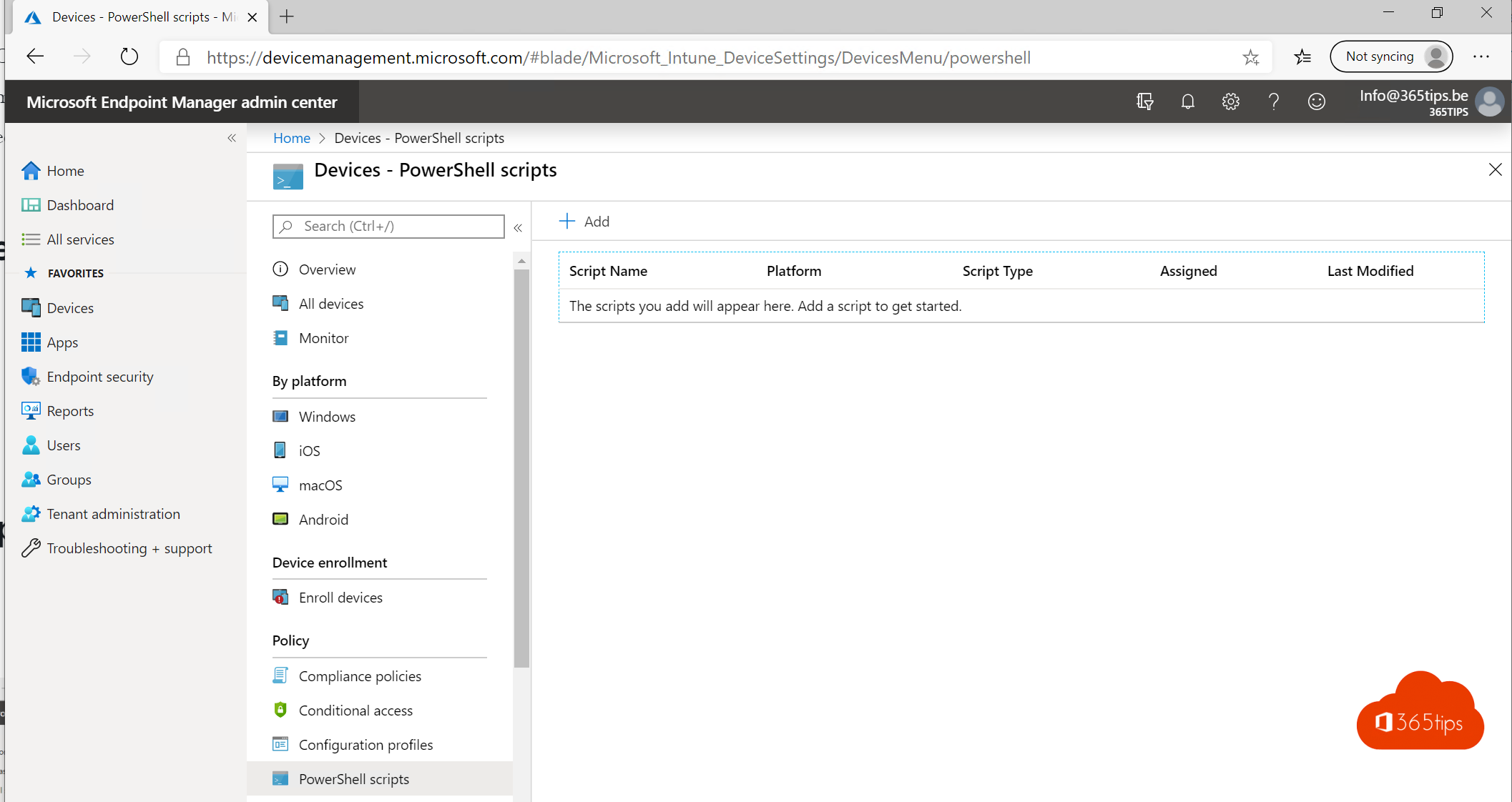
Klik op Add
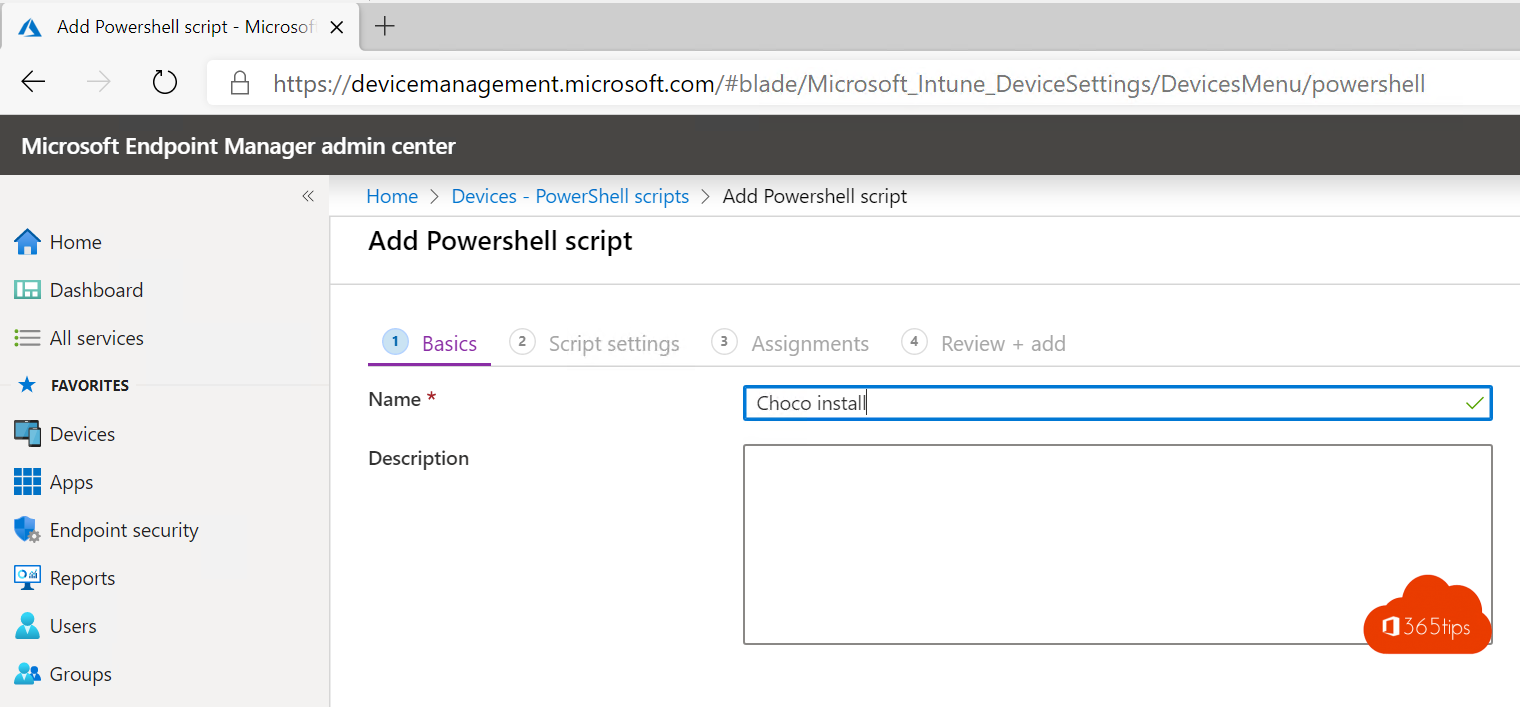
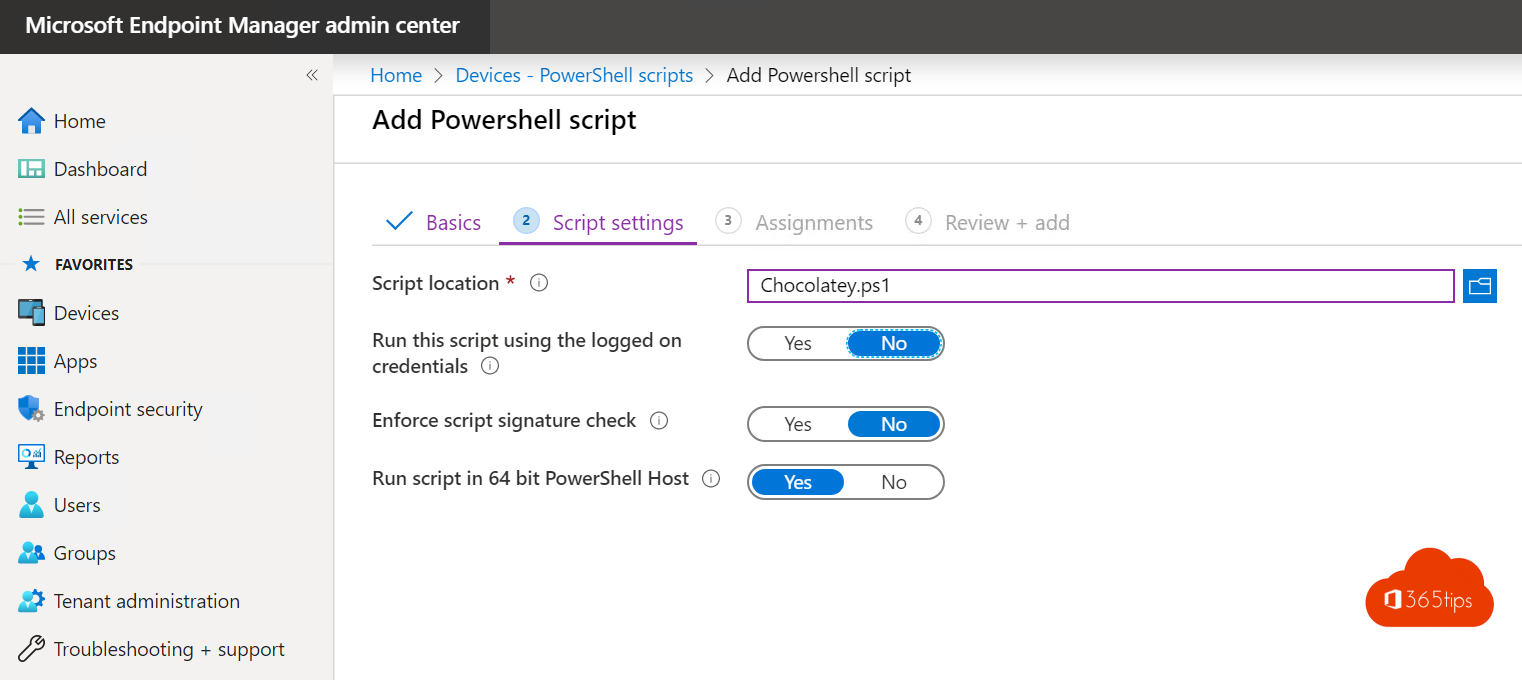
Voeg je script toe bij script location
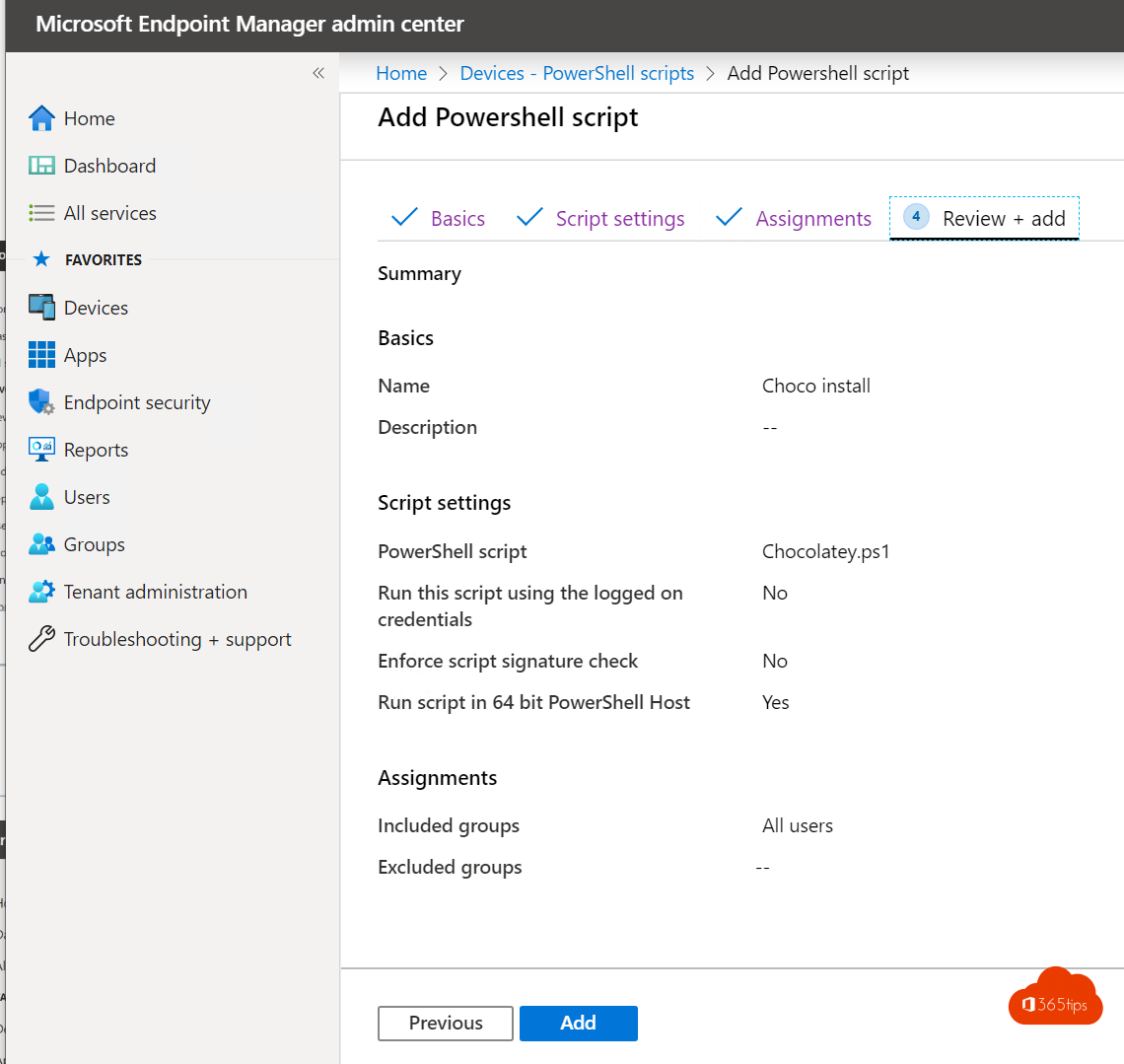
Kies onderstaande waardes
Run this script using the logged on credentials NO
Enforce script signature check NO
Run script in 64 bit PowerShell Host YES
Assigneer deze installaties aan de gewenste gebruikers of alle gebruikers
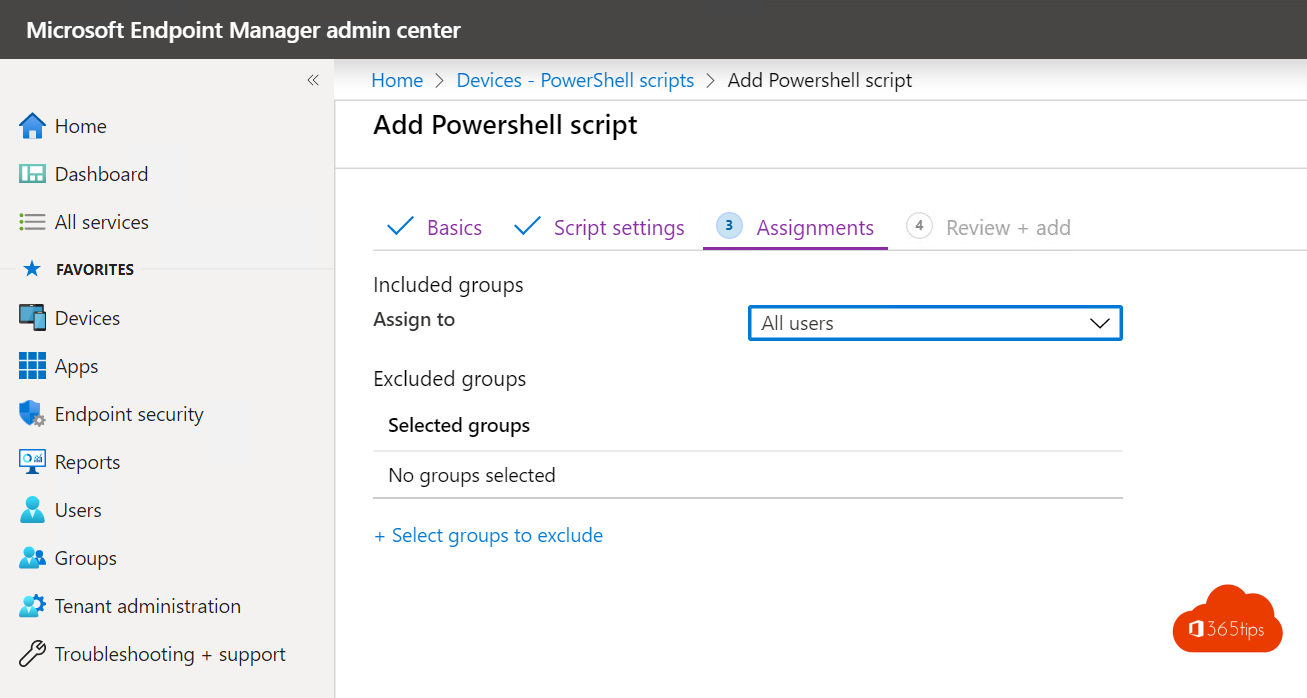
Dat is het! Je software zal nu automatisch geinstalleerd worden en geupdate.